DocumentsFREE
PDF Studio
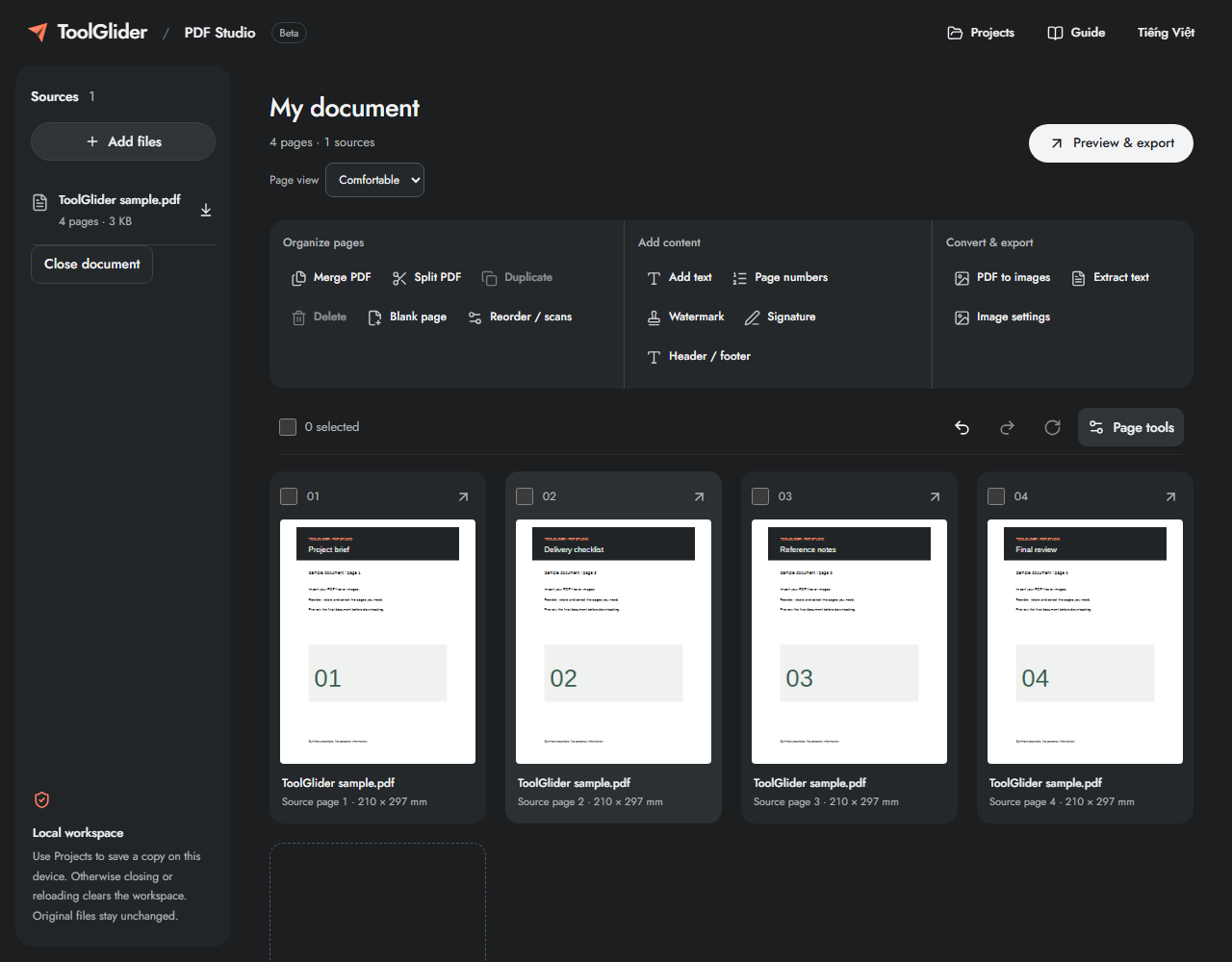
Turn a pile of files into one ready-to-share document. Arrange pages, make edits and check the result before exporting.
- Merge & split
- Page editing
- Images to PDF
- Watermarks & signatures
A home for the practical tools you reach for every day. Work with documents, labels and codes — right in your browser.
Find your toolComplete workspaces for real tasks. Start with what you need to get done.
2 tools available
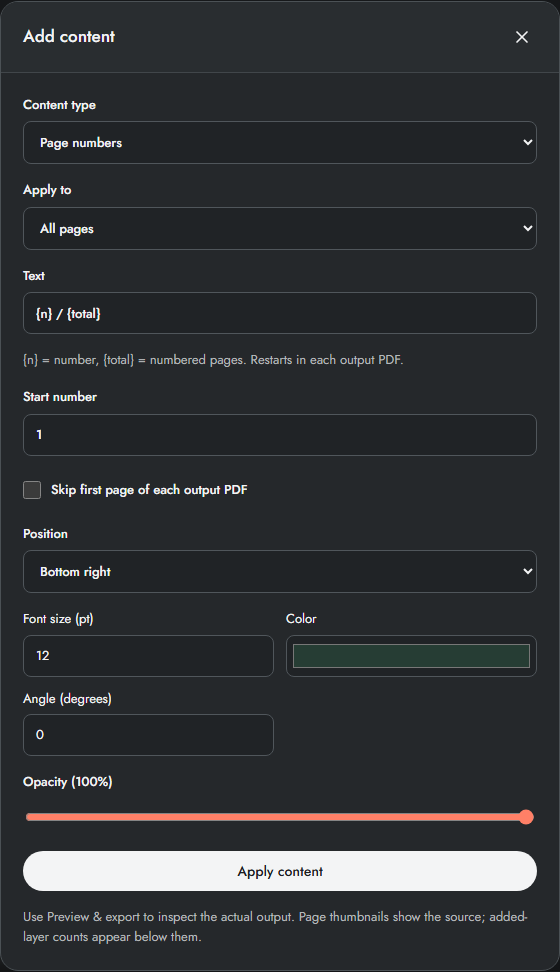
Turn a pile of files into one ready-to-share document. Arrange pages, make edits and check the result before exporting.
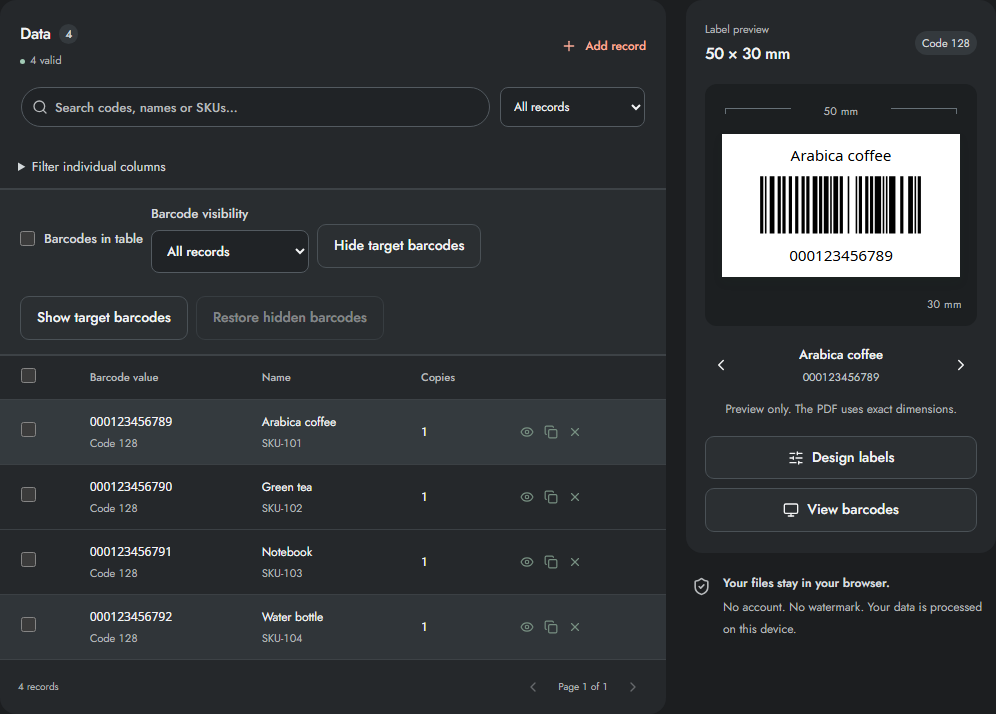
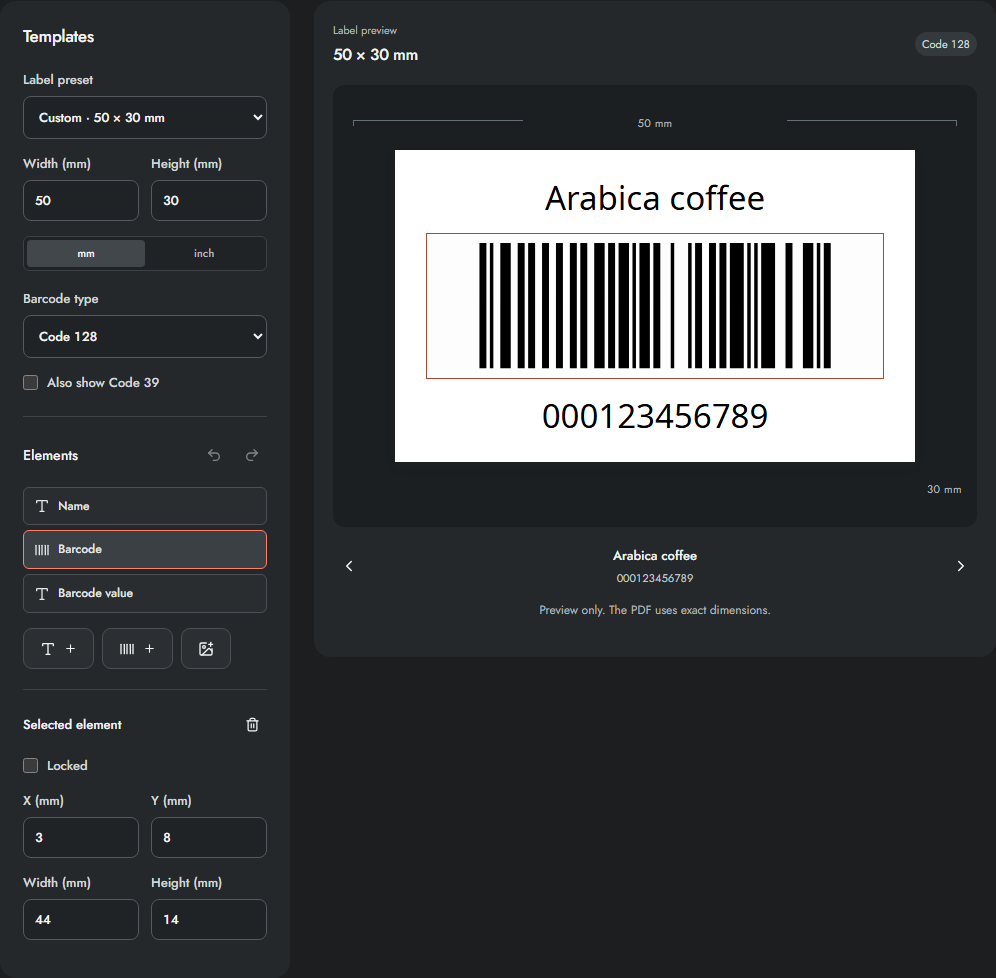
Take your list from spreadsheet to printed labels. Create barcodes and QR codes, design a layout and check scans in one workspace.
One straightforward approach, whichever workspace you choose.
Open the tool for your task. There is nothing to install and no account to create.
Bring your files or start with sample data. Edit, arrange and preview as you go.
Export your finished work. Save a local project from the workspace when you want to continue later.
Your working files are processed in your browser.
Get straight to work, without a sign-up form.
Work and learn in English or Vietnamese.
Illustrated, step-by-step instructions for both workspaces. Learn one task at a time.
Yes. PDF Studio and Label Studio are free to use, with no account required. Open a workspace to see its available features and file limits.
The tools process your working files locally in your browser; they are not uploaded to a server for processing. Save or export anything you want to keep before clearing browser data.
They live together inside Label Studio, along with label design, printing and scanning. Related tasks belong in one workspace so you can finish the whole workflow.
Yes. The homepage, both workspaces and their illustrated guides are available in English and Vietnamese. Use the language switch to change the page language.