
Back up and restore Label Studio projects between devices
Automatic browser saving is convenient but is not a portable backup. Export a JSON copy before switching devices, clearing site data or making large dataset changes. Restore creates a separate project so you can check it before removing an older copy.
Projects, rename, backup and restore
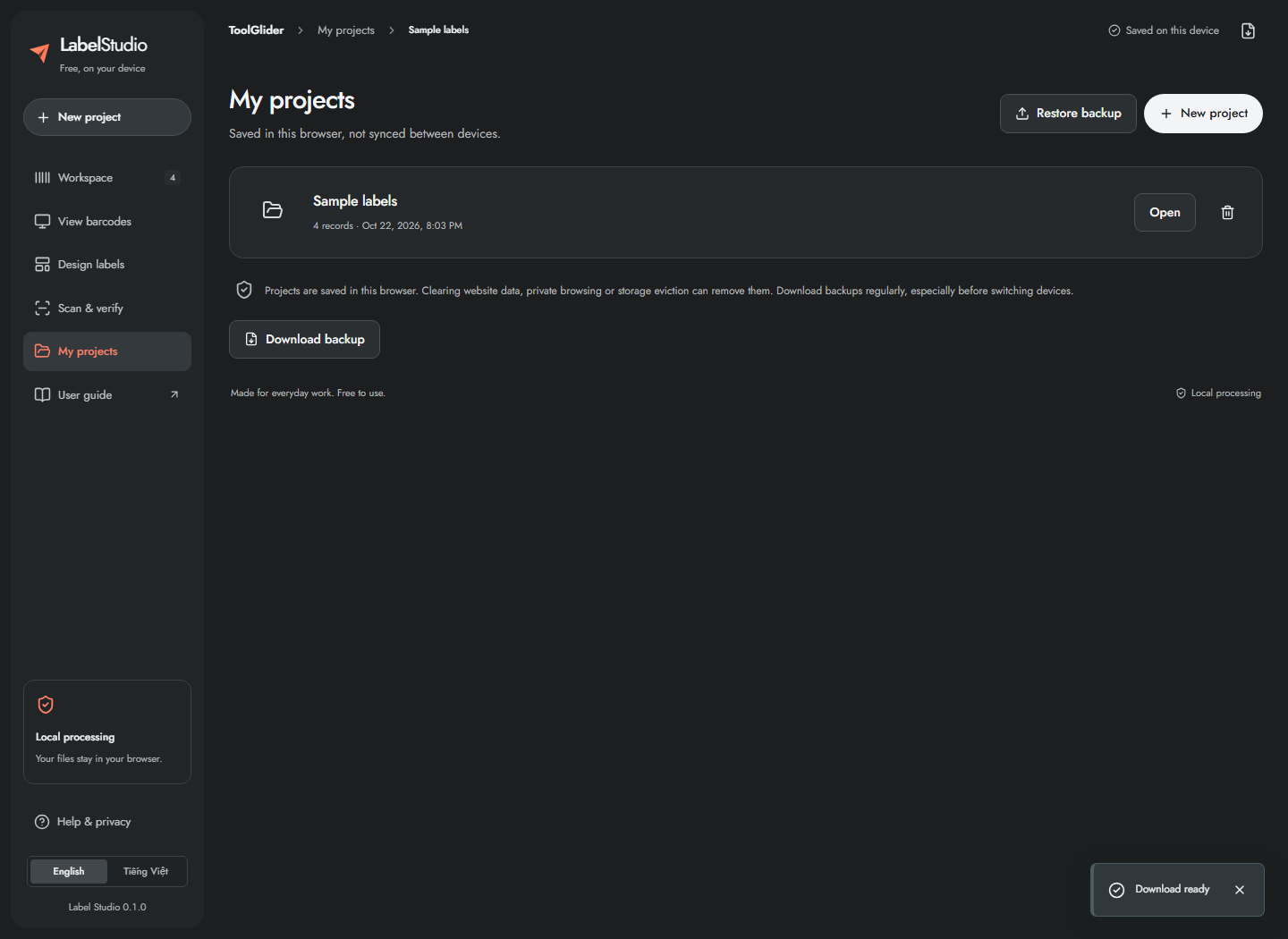
- Open My projects to see locally saved projects and their record counts.
- Click Open to switch. The app saves the current project first; if saving fails, download a backup before leaving it.
- Use the rename control beside the project name to rename the current project.
- Click Download backup regularly. The JSON backup keeps project data, template, print profile and scan session; retain it somewhere outside the browser.
- On the same or another device, choose Restore backup and select that JSON file. Restore validates the format and creates a separate project; existing projects remain.
- Delete a project only after confirming you no longer need it or have a backup.
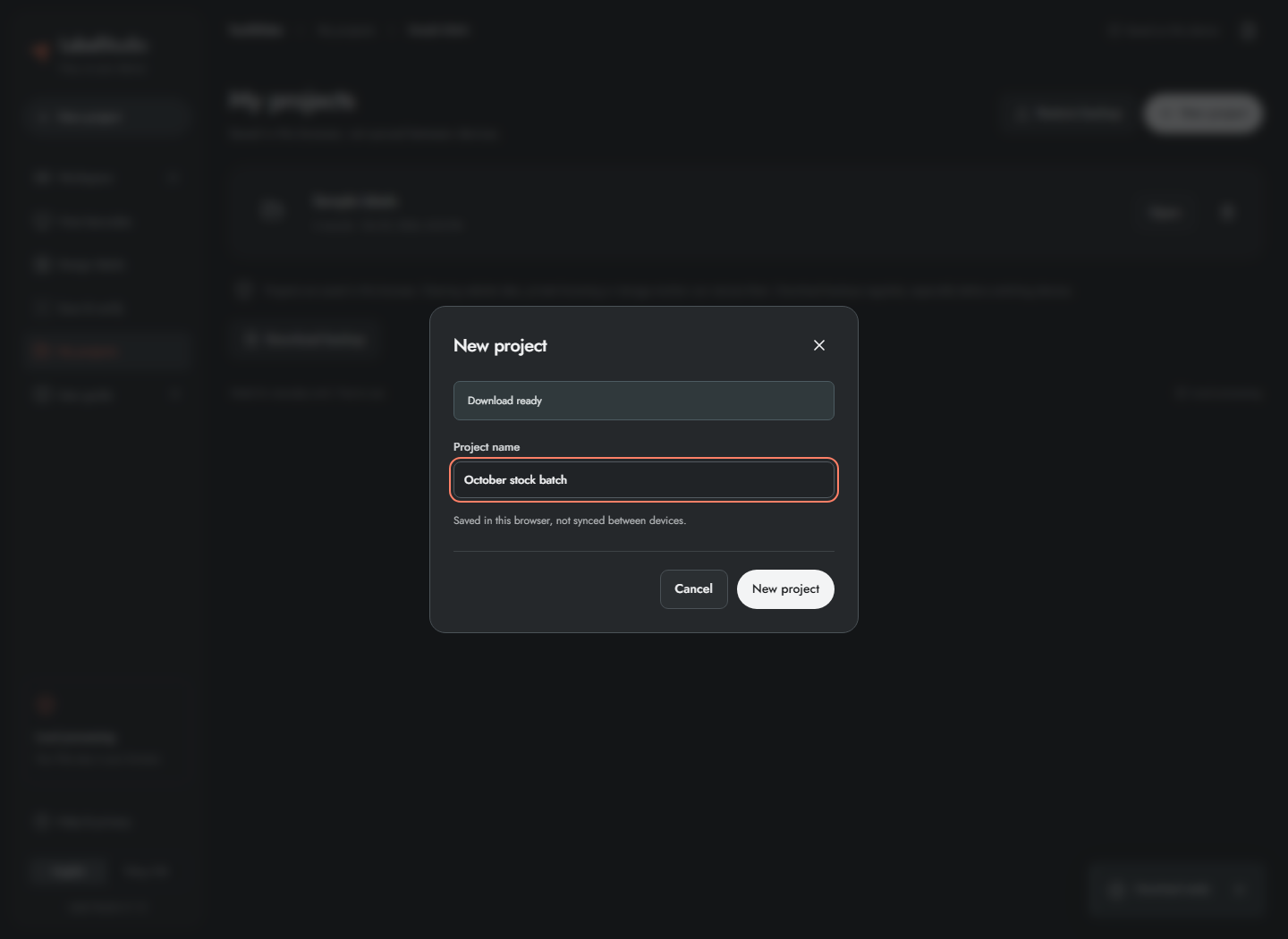
New project asks for a name and creates a blank project; use Try sample data in the workspace if you want examples. Backup restore accepts up to 100 MiB in the supported version-1 format. Projects belong to the browser profile and origin: localhost, the LAN IP and tools.coinxsight.com have separate storage. A backup/restore transfers them; changing the URL does not synchronize them.
Frequently asked questions
Why are my projects missing on another domain or device?
Browser storage is separate for each origin and profile. Restore your JSON backup on the destination; there is no automatic cloud sync.
Does restore overwrite existing projects?
The supported restore flow creates a separate project and keeps the existing ones. Check the restored records, template and scan history before deleting anything.