
Fix barcode label, printing and scanning errors in Label Studio
Start with the symptom, then check data, layout, printer settings or browser permissions in that order. The reference below separates recoverable settings from source-data problems that the app cannot reconstruct. Keep a backup before changing the dataset.
Privacy and practical limits
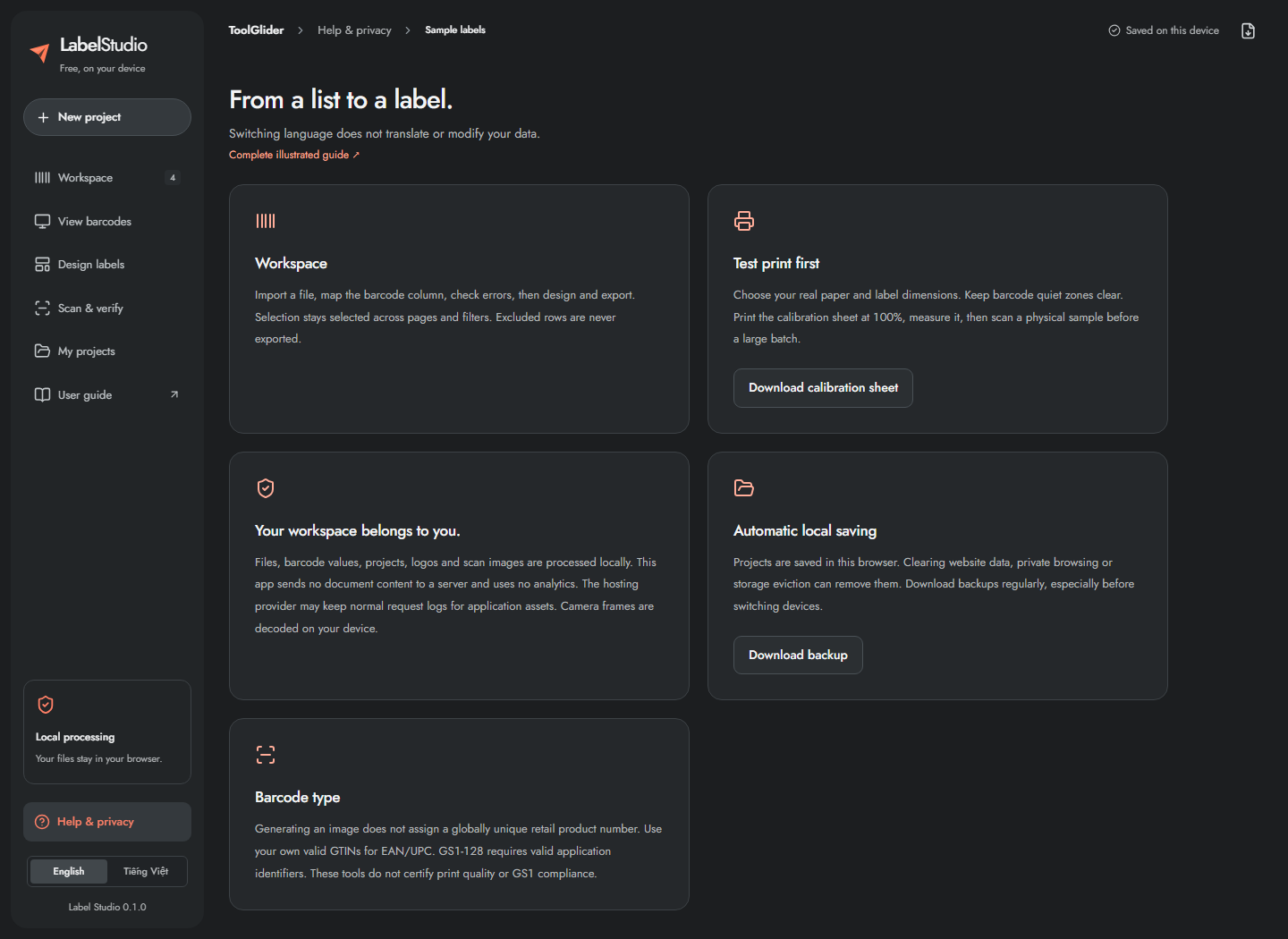
Files, payloads, logos, camera frames and scan-image decoding are processed on your device. The application has no user account, document upload endpoint or application analytics. Hosting/CDN providers may retain normal asset-request logs. A QR containing personal contact details or a Wi-Fi password exposes that content to anyone who reads the code.
Browser storage can disappear when site data is cleared, private browsing ends, storage is evicted or organizational policy intervenes. Check the visible save state. If saving fails, download a backup immediately. There is no automatic cloud sync or shared catalogue.
| Item | Limit |
|---|---|
| Spreadsheet file / dataset | 20 MiB / 50,000 records |
| Mapping / header selection | First 100 columns / first 100 rows |
| Barcode payload | 2,000 characters, with stricter format-specific rules; QR builder content entry is capped at 1,500 characters before payload formatting |
| PDF or SVG ZIP | 2,000 labels, including copies |
| PNG ZIP | 200 labels; 100 MiB accumulated output |
| Single PNG/SVG | Exactly one output label |
| Project restore | 100 MiB, supported schema version 1 |
| Scan history | 50,000 events per session |
| Inventory table | First 100 records visible; full CSV export |
| Logo | PNG/JPEG, 2 MiB, 16 megapixels |
| Scan image | PNG/JPEG/WebP, 20 MiB, 100 million input pixels |
Troubleshooting and a complete batch checklist
| Problem | Steps to resolve |
|---|---|
| Wrong leading zeros / long serial | Check the original spreadsheet. Re-export identifier cells as text; already lost digits cannot be recovered. |
| Invalid Code 39 / Code 128 | Review character rules. Correct the source deliberately or choose a compatible format; the app does not silently change case. |
| Wrong EAN/UPC check digit | Verify the issued number with your source. Do not invent a retail number to remove an error. |
| Text overflow | Enlarge its element box, reduce font size or shorten the field. |
| Barcode too small | Enlarge its box or label, reduce payload length, and use the real printer DPI. |
| Empty viewer/export | Clear filters, inspect hidden/excluded state, check selected scope and nonzero label count. |
| Shifted or scaled prints | Print calibration at 100%; correct scale first, then offsets/margins/gaps. |
| Camera fails | Use HTTPS, review site permission and device availability; close other camera apps or scan an image. |
| Image unreadable | Use focus, even light, full quiet zones and a sharper image; enter the exact value manually if needed. |
| Scan session stale | Export old history and start a new session after dataset changes. |
| Multiple matches | Resolve duplicate values in the catalogue; do not assume a random row was counted. |
| Download/window blocked | Allow the download/pop-up or use Download PDF instead of opening it to print. |
| Data not saved | Download backup now. Check browser storage and avoid clearing site data. |
| New domain looks empty | Restore a backup from the old origin; projects do not move between origins automatically. |
For every real batch: back up → import/map → review values/errors/duplicates → choose symbology → design → verify export scope/copies → calibrate → scan a physical sample → print → start a fresh comparison session → export reports → back up again.
Functions discussed as future ideas—automatic data cleaning, two-file list comparison, configurable SKU rules, a standalone check-digit calculator, PDF crop/merge and ZPL—are not instructions for currently available features. This guide covers the implemented application, not a promised roadmap.
Frequently asked questions
Are my spreadsheets uploaded to the application server?
The app processes document contents and camera decoding locally. Hosting and CDN services can still keep ordinary asset-request logs.
Can browser storage replace my backup?
No. Site-data clearing, private browsing, eviction or organizational policy may remove stored projects. Download JSON backups regularly.